
Region
A region is a colored background block that groups a set of cells. Use it to visually bundle nodes that belong together — a layer in an architecture diagram, a trust boundary, a phase of a flow.
Regions render behind everything else. Nodes and connectors sit on top untouched.
Reusing the quickstart diagram
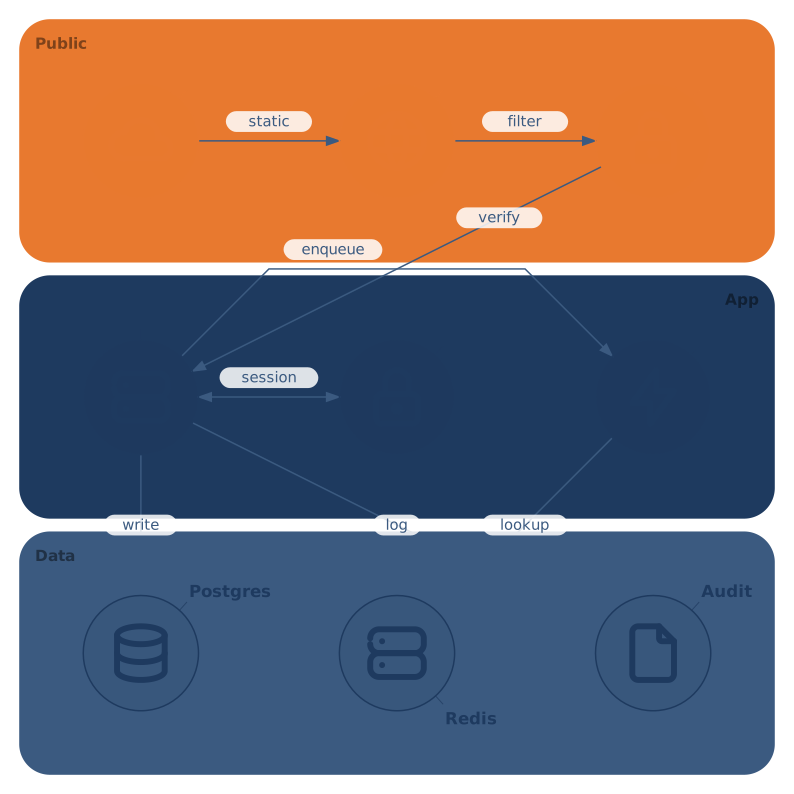
Each row here has its own region (Public, App, Data). The tint is subtle — enough to delineate without competing with the nodes for attention.
Basic syntax
region <@pos | @span>+ ["<label>"] [attr=value ...] [{ body }]@A1— a single cell (a 1×1 region). Numeric@1,1also works.@A1:B2— a rectangular range (both ends inclusive, Excel-style). Numeric@1,1:2,2is equivalent.-is accepted as an older separator (@A1-B2) but:reads cleanly.- Multiple
@entries form a single compound shape (must connect by edge; see below) - Optional quoted string is a label placed near a corner
- Trailing attributes override
color/radius/labelScale
Key rules
- Ranges are inclusive —
@A1:C1covers three cells (A1, B1, C1), not two. - Entries must connect — when you list multiple
@entries, they have to share an edge (4-neighbor adjacency). Two disjoint rectangles aren't a single region; the parser rejects it. - Cells must exist — an entry that extends past
columnsorrowsis an integrity error.