
Frame
Frames let a single diagram carry multiple merged views. Any icon, connector, region, note — or a doc { … } settings block — can carry a frames selector. At render time you pick a frame number, and gridgram collapses every declaration whose spec includes that frame into one flat diagram.
Think of frames as tags, not timesteps. Frame 2 isn't "a keyframe at t=2"; it's "the slice of the diagram tagged with 2 (plus everything untagged)". This is subtle but important: the underlying render pipeline is unchanged — frames just decide which declarations feed into it.
A three-frame story
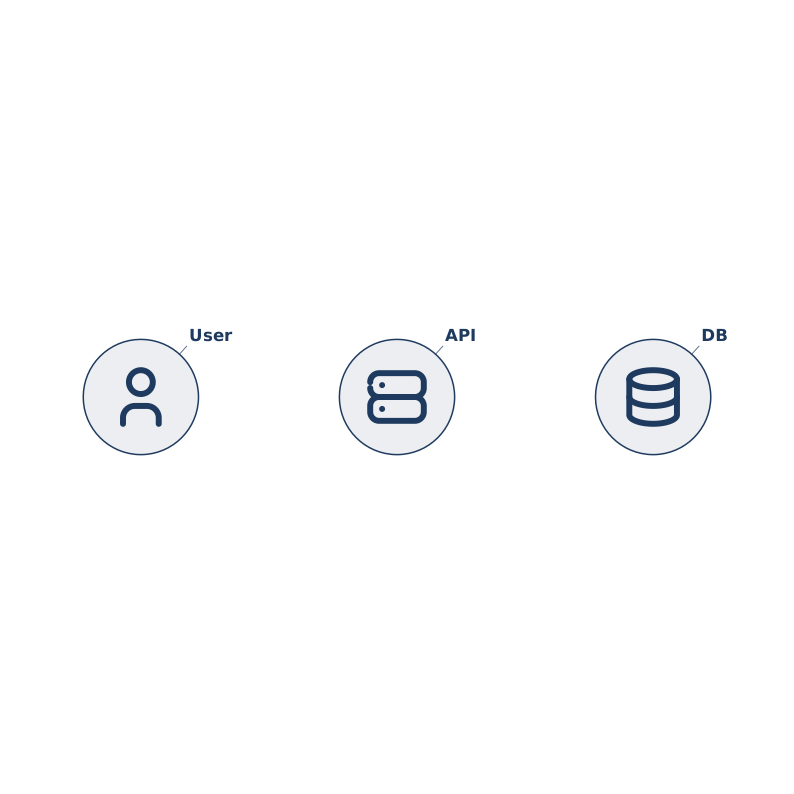
Hover the diagram to reveal the ◀ / ▶ controls and step through the three frames. The source on the right stays the same in every frame — the component is re-rendering the merged view for the frame you pick.
Reading left to right:
- Frame 1 (base layer only) — three icons sit quietly:
user,api,db. No connectors, no commentary. - Frame 2 merges in a recoloured
api, auser → apilogin connector, and a "Stateless" note pointing at the API node. - Frame 3 swaps the
usericon to the filled / accent variant, adds anapi → dbquery connector, and a note explaining the query.
Every frame shares the same base nodes; the [2] / [3] tags stack additional detail on top.
Syntax
[frame-spec] can go either at the head of the line (before the command keyword) or inline (as a normal argument). Both forms are equivalent; writing the same spec in both places on one statement is a parse error.
icon :user @A1 tabler/user "User"               # every frame — base layer

# Leading form — recommended when you want frame tags to line up in
# column 1 across a block of related statements:
[2] icon :user tabler/user "User login"
[2] user --> api "login"
[2] note @B1 (api) "Stateless,\nauto-scaled"

# Inline form — fits a one-off tag on an otherwise normal statement:
icon [3-5] :user tabler/filled/user "Session"
region [3] @B1:B2 "spotlight"
note @A2 (user) "explained from f=2" [2-]

# doc settings override — same choice of leading or inline:
[2] doc { theme: { primary: '#ff0000' } }
doc [3-] { theme: { primary: '#0d9488' } }
The leading form is usually easier to read when you're describing several frame-2 additions in a row — it puts the selector in the same column as every other [2], so the frame structure becomes scannable at a glance.
Equivalent TS API — frames? is optional on every def:
import type { DiagramDef } from 'gridgram'

export const def: DiagramDef = {
  nodes: [
    { id: 'user', pos: 'A1', src: t('user'), label: 'User' },

    // Single frame (number form)
    { id: 'user', src: t('user'), label: 'User login', frames: 2 },

    // List form — two separate frames
    { id: 'user', src: t('user'), label: 'Again', frames: [4, 6] },

    // Range — nested tuple
    { id: 'user', src: tf('user'), label: 'Session', frames: [[3, 5]] },

    // Open-ended (to infinity)
    { id: 'late', pos: 'B1', src: t('bell'), frames: [[5, Infinity]] },
  ],
}
Frame-spec grammar at a glance:
| Form | Meaning |
|---|---|
| (omitted) | matches every frame (the base layer) |
[2] / 2 | single frame |
[2, 3, 5] | frames 2, 3, and 5 (three singles) |
[[2, 5]] / [2-5] | range 2..5 inclusive |
[5-] / [[5, ∞]] | frame 5 onward |
[2, 4-6, 9-] | mix of the above |
Merge rules
When you request frame=N, gridgram walks every declaration and:
- Filters. Keeps declarations whose
framesmatches N (or has noframesfield at all). Everything else is dropped from the frame. - Merges by id. Among the surviving declarations, entries sharing an id are deep-merged in declaration order — later wins per field. This is how
icon [2] :user label="login"adds a label override without re-statingposorsrc. - Keeps anonymous entries as-is. Notes and regions have no id, so they appear as distinct entries whenever their
framesmatches.
doc [N] { … } blocks deep-merge into the base settings (theme, columns, etc.) when their spec matches — so you can, for example, flip the primary theme colour just at frame 2.
Auto-positioning is re-evaluated per frame, using each frame's declaration order. A node that only appears at frame 3 gets its auto-assigned cell inside that frame's layout; removing a node at frame 2 compacts the remaining ones.
Frame-aware integrity
Checks that depend on the frame — unknown refs, duplicate cells, region connectivity — run per frame. The parser evaluates every frame number mentioned in the document, so a collision that only manifests at frame 3 surfaces at parse time with a (frame 3) annotation:
Duplicate cell B2: icon "a" and icon "b" (frame 3)Duplicate-id is only an error when both declarations omit frames. A second declaration carrying [N] is treated as a merge, not a collision.
Rendering a specific frame
gg diagram.gg --frame 2 -o diagram-f2.svg…and in the TS API:
import { renderDiagram } from 'gridgram'
const { svg } = renderDiagram(def, { frame: 2 })
If frame is omitted, gridgram renders frame 1 — so a diagram that uses frames still renders cleanly for tools that don't know about the option yet.
When to reach for frames
Frames shine when you want to narrate a single architecture across several slides or docs paragraphs without redrawing from scratch:
- Step-by-step walkthroughs of a flow (login → session → logout)
- Before / during / after an incident
- Highlighting different subsystems of the same diagram
- Swapping a whole note set to re-annotate the existing shape
They're not a layout animation system — gridgram doesn't interpolate between frames. If you need that, render each frame and hand the sequence to your animation tool of choice.