
Grid
Gridgram is grid-first: every node sits on an integer (column, row) pair, and the grid itself has a size measured in cells and a size measured in pixels. Three settings control all of it — cols, rows, cellSize — and almost always you'll only have to set zero or one of them.
Cell addresses — A1 vs numeric
All cell coordinates are 1-based: A1 = column 1, row 1 = the top-left cell. Gridgram accepts three equivalent forms:
| Form | Example | Semantics |
|---|---|---|
| A1 | @A1, @AA100 | Excel-style. Case-insensitive (@aa100 works). Carry-over letters (AA, AB, …). Preferred. |
| Numeric | @A1, @AA100 | 1-based @col,row. Same semantics. |
| TS tuple | pos: [1, 1] / pos: "A1" / pos: { col: 1, row: 1 } | All three forms accepted on NodeDef.pos. |
An address with col or row < 1 (or a malformed A1 like @1A or @A0) is a parse error. No "0th row" — A1 is the origin.
Auto-inferred size
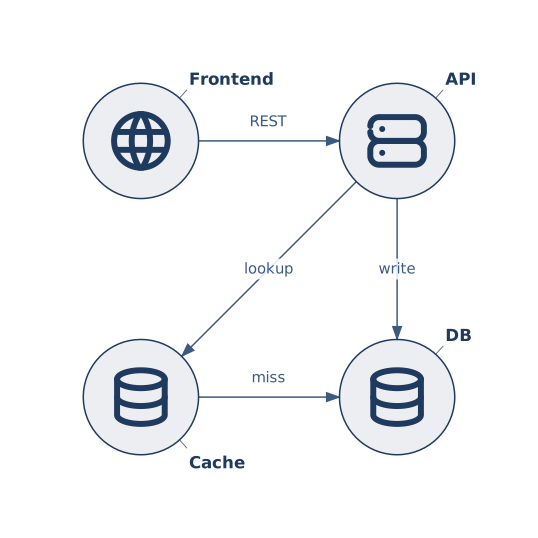
When you omit cols / rows, Gridgram picks the smallest grid that holds every node. The largest @col you wrote + 1 becomes cols; the largest @row + 1 becomes rows.
icon :front @A1 tabler/world    "Frontend"
icon :api   @B1 tabler/server   "API"
icon :cache @A2 tabler/database "Cache"
icon :db    @B2 tabler/database "DB"
No doc { } block at all — the inferred grid is 2×2.
Explicit size
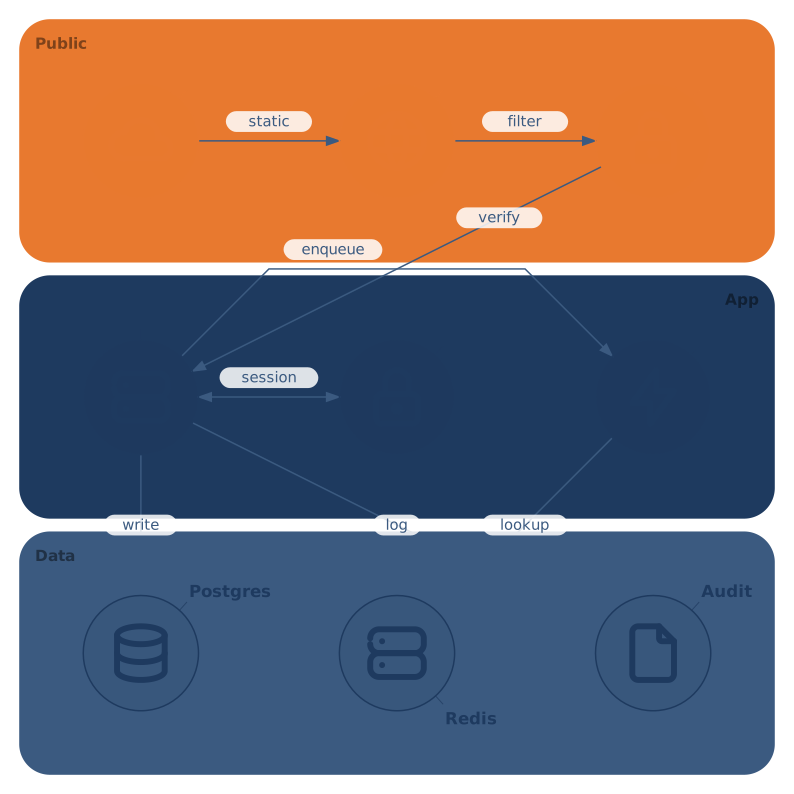
Set cols / rows in a doc block when you want a fixed shape — for instance to leave an empty trailing row for future growth, or to make the intent unambiguous for readers:
doc { cols: 3, rows: 3 }cols and columns are aliases. Use whichever reads better; they produce the same output.
Rectangular grids
The grid is not constrained to be square. A 4×2 grid is explicitly a 4-wide / 2-tall rectangle, and the output SVG follows that aspect ratio:
doc { cols: 4, rows: 2 }

icon :a @A1 …   icon :b @B1 …   icon :c @C1 …   icon :d @D1 …
icon :e @A2 … icon :f @B2 … icon :g @C2 … icon :h @D2 …cellSize: the pixel ruler
cellSize is the internal pixel size of one grid cell (default 256). It interacts with cols / rows to determine the SVG's intrinsic size:
intrinsic width  = cellSize × cols
intrinsic height = cellSize × rows
So cellSize: 128, cols: 4, rows: 2 gives an SVG with viewBox width 512 and height 256.
You rarely need to change cellSize — most icons, fonts, and strokes are sized relative to it, so the geometry stays consistent across sizes. Tune it when you want a particular intrinsic size without fighting auto-layout, or for a higher-resolution PNG out of sharp.
--width and --cell-size on the CLI
The CLI exposes two output-side knobs:
--cell-size <px>— setscellSize(changes the diagram geometry)--width <px>— sets the final render width in pixels, preserving the aspect ratio (doesn't change geometry)
--width is the usual lever when you just want a bigger/smaller output image; --cell-size is the one to use when you want icons, strokes, and label sizes to rebalance against each other.
padding
padding is the outer margin around the grid (in cellSize units). Default is scaled from cellSize. Override when you need more/less breathing room around the diagram — useful when embedding in a template with tight edges.
doc { padding: 24 } // in cellSize pixel units