
Quick start
Install the gg binary and render your first diagram in under a minute. If you'd rather not pipe a remote script into a shell, see Install for manual alternatives.
Install
Pick the command for your operating system. Both scripts place gg on your PATH automatically.
macOS / Linux
curl -fsSL https://bin.ideamans.com/install/gg.sh | bashWindows (PowerShell)
irm https://bin.ideamans.com/install/gg.ps1 | iexVerify
gg --helpYou should see the usage banner. If gg: command not found, open a new shell (so the updated PATH is picked up) or consult Install.
Render your first diagram
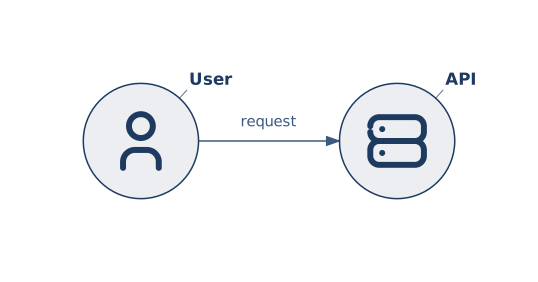
Pipe a one-line .gg source straight into gg — - as the input path tells the CLI to read from stdin. ; separates statements so the whole diagram fits on one command line.
macOS / Linux
echo 'icon :u tabler/user "User"; icon :a tabler/server "API"; u --> a "request"' | gg -o hello.png - --width 1024Swap hello.png for hello.svg (drop --width) to get a vector file, or use --format svg --stdout to print the SVG straight to your terminal.
Windows (PowerShell)
'icon :u tabler/user "User"; icon :a tabler/server "API"; u --> a "request"' | gg -o hello.png - --width 1024Open hello.png in your image viewer — you should see two icons with a labelled arrow between them. That's it; the CLI is working.
Where to next
- First Gridgram — a guided tour of the
.gglanguage, one concept at a time. - Install — GitHub Releases, build from source, and other ways to get the binary.
- CLI reference — every flag and exit code.